Autonomous Navigation & SLAM
Experimental implementation of Simultaneous Localization and Mapping (SLAM) and autonomous navigation using AMCL and move_base stack on ROS Kinetic.
Autonomous Navigation & SLAM
Overview
Experimental implementation of Simultaneous Localization and Mapping (SLAM) and autonomous navigation using AMCL and move_base stack on ROS Kinetic.
Overview
This project focuses on the practical implementation of autonomous navigation capabilities for mobile robots using the Robot Operating System (ROS), specifically the Kinetic Kame distribution. The primary objective is to enable a robot (Turtlebot platform) to map an unknown environment and subsequently navigate within it autonomously while avoiding dynamic and static obstacles.
Key Technologies
- ROS Kinetic: Middleware framework for robot software development.
- SLAM (Gmapping): Implementation of FastSLAM algorithm for creating 2D occupancy grid maps from laser scan data.
- AMCL: Adaptive Monte Carlo Localization for probabilistic estimation of the robot’s pose within a known map.
- move_base: The ROS navigation stack package that links the global and local planners to drive the robot base.
Methodology
1. Mapping (SLAM)
The first phase involves creating a map of the environment. Using the gmapping package, the robot navigates the environment (teleoperated) while processing data from its LIDAR/depth sensor and odometry.
- Sensor Fusion: Combining wheel odometry drift with laser scan matching.
- Grid Mapping: Generating a static map where black pixels represent obstacles, white pixels are free space, and gray areas are unknown.
2. Localization (AMCL)
Once the map is generated, the Adaptive Monte Carlo Localization (AMCL) algorithm is used.
- Particle Filter: Uses a cloud of particles to represent possible robot poses.
- Resampling: As the robot moves and senses the environment, particles that match sensor readings converge to the true robot location.
3. Path Planning
The move_base node handles the actual navigation:
- Global Planner: Calculates the optimal path from start to goal (e.g., Dijkstra or A*).
- Local Planner: Generates velocity commands (
cmd_vel) to follow the global path while avoiding dynamic obstacles (Dynamic Window Approach).
Implementation Results
The project successfully demonstrated the complete navigation loop:
- Map Generation: A high-fidelity map of the lab environment was created using Gmapping.
- Autonomous Routing: The robot successfully planned and executed paths between arbitrary points in the map.
- Obstacle Avoidance: The system dynamically re-planned paths when encountering unmapped obstacles.
Resources
The full implementation guides are available as PDF documents in the schematics section above, covering the step-by-step commands and configuration parameters used during the lab practice.
Code Files
SLAM & Navigation Commands
# --- PHASE 1: SLAM (Mapping) ---

# 1. Launch the Simulation (Gazebo)
roslaunch turtlebot_gazebo turtlebot_world.launch

# 2. Launch Gmapping (SLAM)
roslaunch turtlebot_gazebo gmapping_demo.launch

# 3. Launch Teleoperation (to drive the robot)
roslaunch turtlebot_teleop keyboard_teleop.launch

# 4. Save the Map (after driving around)
rosrun map_server map_saver -f /tmp/my_map


# --- PHASE 2: Autonomous Navigation (AMCL) ---

# 1. Launch the Simulation (if not already running)
roslaunch turtlebot_gazebo turtlebot_world.launch

# 2. Launch AMCL (Localization & Path Planning)
# Note: Point to the map file you saved earlier
roslaunch turtlebot_gazebo amcl_demo.launch map_file:=/tmp/my_map.yaml

# 3. Launch Rviz (Visualization)
roslaunch turtlebot_rviz_launchers view_navigation.launch

# INSTRUCTIONS:
# In Rviz, use "2D Pose Estimate" to set initial location.
# Use "2D Nav Goal" to send the robot to a destination.
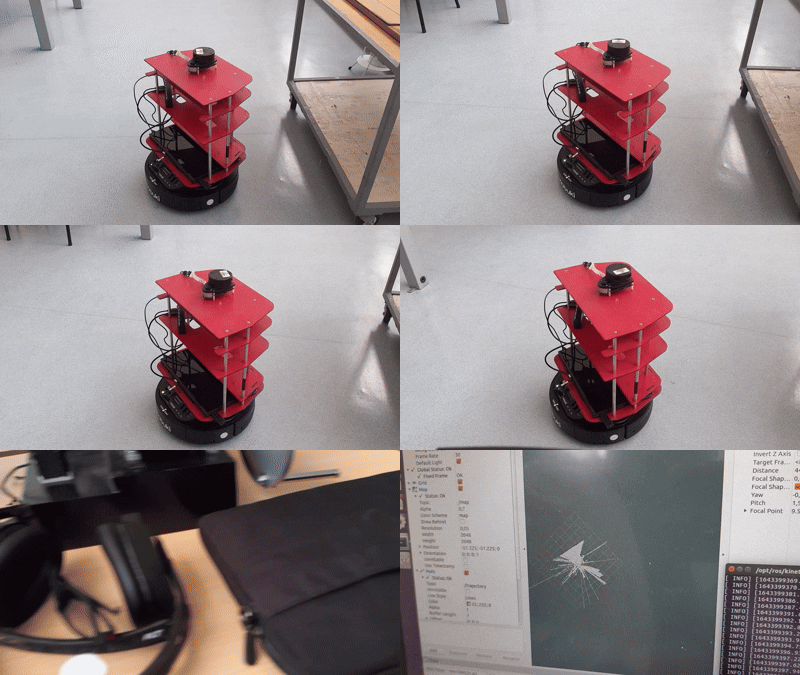
Simulation of autonomous navigation in Rviz vs Gazebo
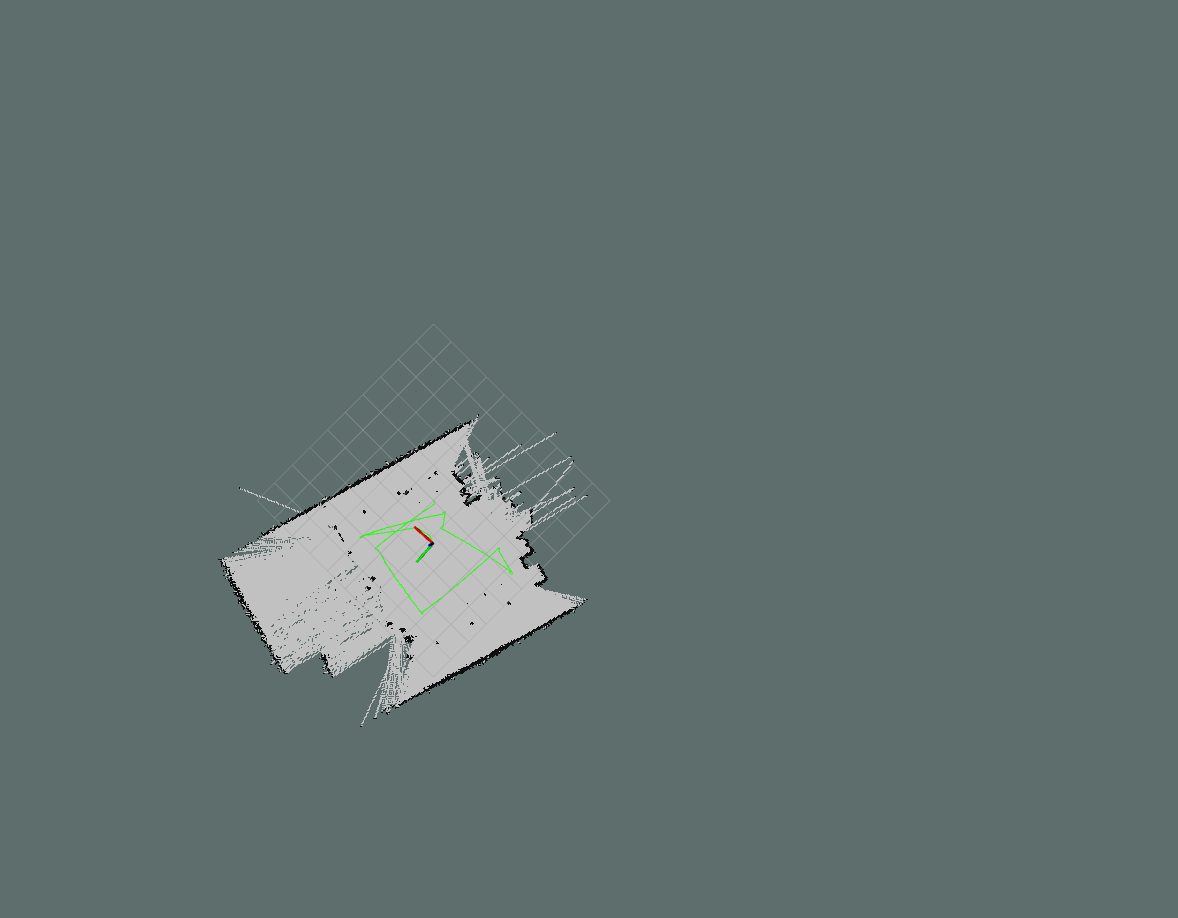
Generated 2D Occupancy Grid Map in Rviz
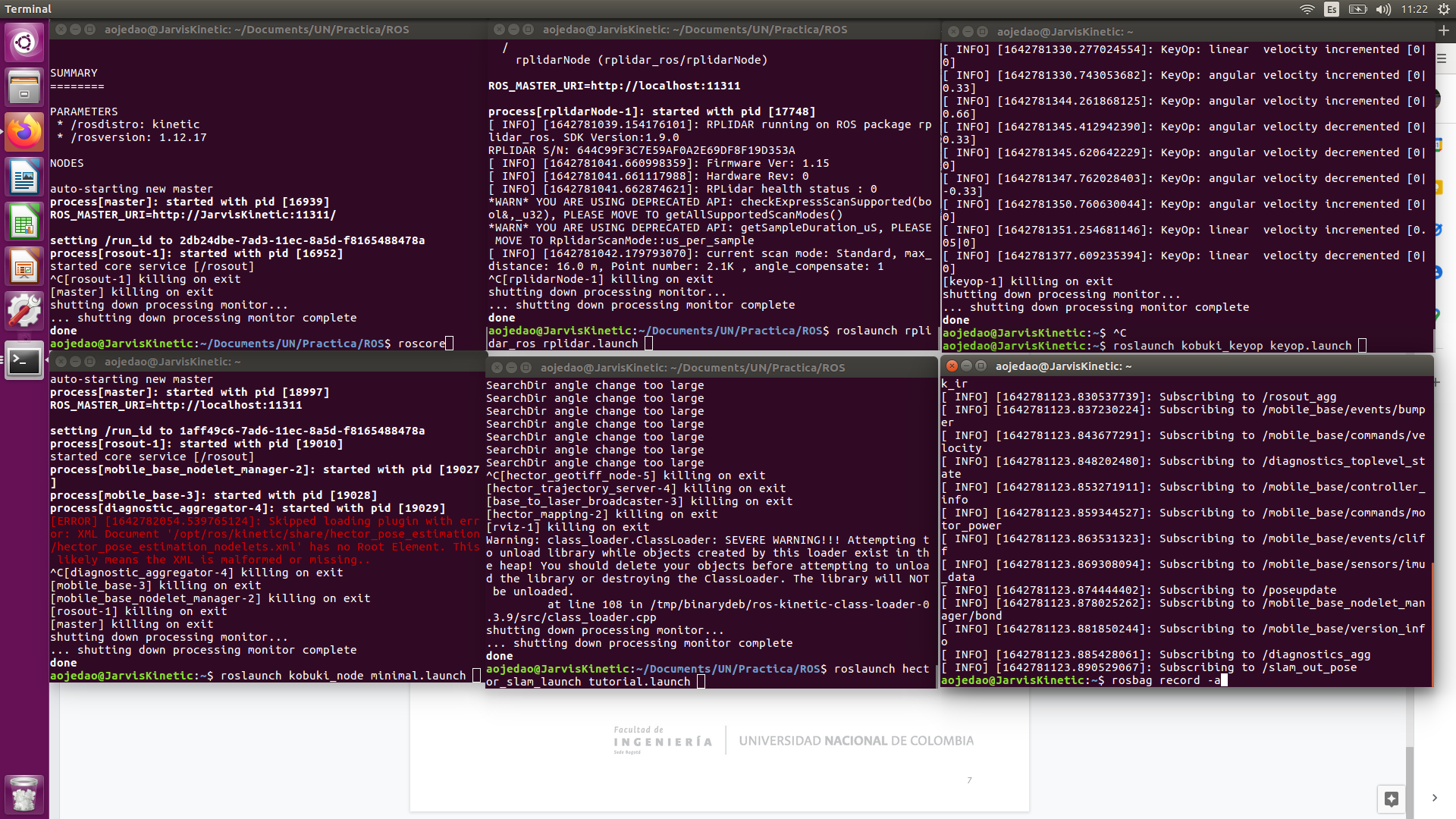
ROS Node initialization and topic monitoring
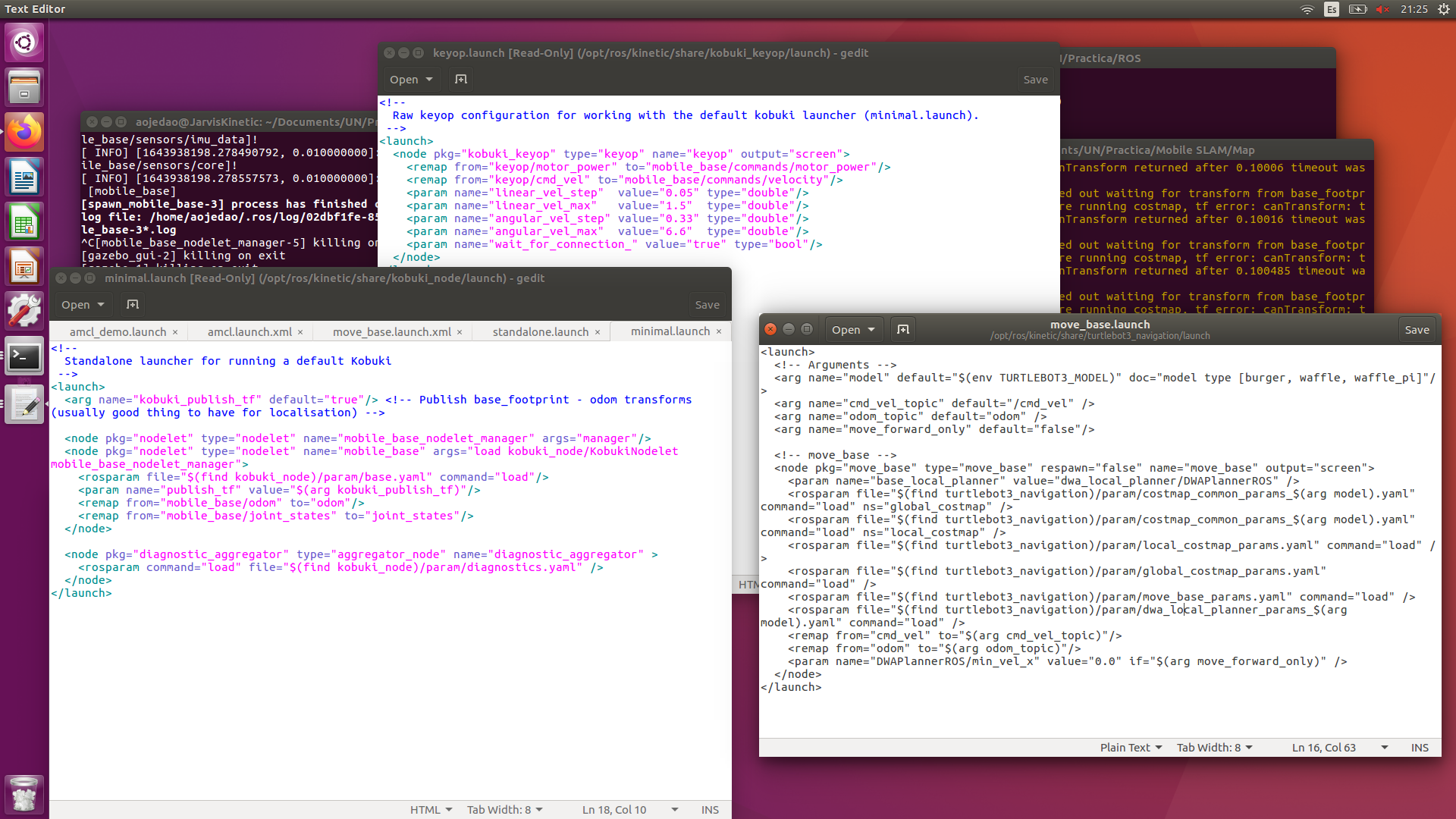
Navigation stack configuration process