Autonomous Tool Carrying Robot
A fully autonomous tool carrying robot (astromech inspired) robot powered by ROS and Raspberry Pi, featuring simulation in Gazebo and real-time teleoperation.
Autonomous Tool Carrying Robot
Overview
A fully autonomous tool carrying robot (astromech inspired) robot powered by ROS and Raspberry Pi, featuring simulation in Gazebo and real-time teleoperation.
Project Overview
Autonomous Tool Carrying Robot is a robotics project focused on creating a functional, autonomous tool carrying robot. The project bridges the gap between simulation and reality by leveraging the Robot Operating System (ROS) to control both a virtual model in Gazebo and a physical robot powered by a Raspberry Pi.
The system is designed to be modular, allowing for easy expansion of capabilities such as visual servoing and autonomous navigation. The core control architecture handles differential drive kinematics, consolidating motor control signals from high-level planners or teleoperation nodes.
Key Features
- ROS-Based Architecture: Utilizing standard ROS packages (
teleop_twist_keyboard) and custom nodes for hardware interfacing. - Dual-Environment Deployment:
- Simulation: A comprehensive Gazebo world (
astromech_world.launch) and URDF description (astromech_description) allow for safe testing of algorithms. - Physical Hardware: A Raspberry Pi runs the
astromech_controllernode, interfacing directly with GPIO pins to drive high-power motors via an L298N driver.
- Simulation: A comprehensive Gazebo world (
- Teleoperation: Real-time control capabilities via keyboard or joystick, with velocity commands published to the
/cmd_veltopic. - Visual Servoing Ready: The platform is equipped for camera integration, enabling future implementation of object tracking and following behaviors.
Technical Implementation
Hardware Interface
The robot’s differential drive system is managed by a custom Python node (astromech_controller.py). This node subscribes to velocity commands (geometry_msgs/Twist) and translates them into PWM signals for the motor drivers.
Pin Configuration (Raspberry Pi GPIO):
- Left Motor: Pins 24 (IN1), 23 (IN2), 25 (EN1)
- Right Motor: Pins 27 (IN3), 17 (IN4), 22 (EN2)
Software & Simulation
The software stack is organized into three main packages:
astromech_description: Contains the URDF and Xacro files defining the robot’s physical properties and visual assets.astromech_gazebo: Defines the simulation environment and physics properties.astromech_control: housing the logic for motion control and teleoperation.
Code & Scripts
Below are the core control scripts used in the project. The Controller Node handles the hardware abstraction, while the Teleop Node provides a user interface for manual control.
code_files:
-
filename: “astromech_controller.py” language: “python” content: | #!/usr/bin/env python import RPi.GPIO as GPIO from time import sleep import future import roslib; roslib.load_manifest(‘teleop_twist_keyboard’) import rospy from geometry_msgs.msg import Twist import sys, select, termios, tty
# Motor GPIO Configuration in1 = 24 in2 = 23 en1 = 25 in3 = 27 in4 = 17 en2 = 22
GPIO.setmode(GPIO.BCM) GPIO.setup(in1,GPIO.OUT) GPIO.setup(in2,GPIO.OUT) GPIO.setup(en1,GPIO.OUT) GPIO.setup(in3,GPIO.OUT) GPIO.setup(in4,GPIO.OUT) GPIO.setup(en2,GPIO.OUT)
# PWM Initialization p=GPIO.PWM(en1,500) p2=GPIO.PWM(en2,1000) p.start(25) p2.start(25) p.ChangeDutyCycle(55) p2.ChangeDutyCycle(75)
def callback_twist(command): “"”Callback for /cmd_vel subscriber””” msg = command # Logic to translate Twist message to GPIO states # (Simplified for brevity regarding global vars/logic) if msg.linear.x > 0: GPIO.output(in1,GPIO.HIGH) GPIO.output(in2,GPIO.LOW) GPIO.output(in3,GPIO.HIGH) GPIO.output(in4,GPIO.LOW) elif msg.linear.x < 0: GPIO.output(in1,GPIO.LOW) GPIO.output(in2,GPIO.HIGH) GPIO.output(in3,GPIO.LOW) GPIO.output(in4,GPIO.HIGH)
# Turning logic would follow (checking angular.z)def Init(): rospy.Subscriber(‘cmd_vel’, Twist, callback_twist) rospy.init_node(‘AstromechController’, anonymous=True) # Note: Original code uses a loop with global message checking # Standard ROS practice would use rospy.spin() in a proper node structure rospy.spin()
if name==”main”: try: Init() except Exception as e: print(e) finally: GPIO.cleanup()
-
filename: “astromech_keyop.py” language: “python” content: | #!/usr/bin/env python import roslib; roslib.load_manifest(‘teleop_twist_keyboard’) import rospy from geometry_msgs.msg import Twist import sys, select, termios, tty
msg = “”” Reading from the keyboard and Publishing to Twist! ————————— Moving around: u i o j k l m , . “””
moveBindings = { ‘i’:(1,0,0,0), ‘o’:(1,0,0,-1), ‘j’:(0,0,0,1), ‘l’:(0,0,0,-1), ‘k’:(-1,0,0,0), ‘.’:(-1,0,0,1), ‘m’:(-1,0,0,-1), }
def getKey(): tty.setraw(sys.stdin.fileno()) select.select([sys.stdin], [], [], 0) key = sys.stdin.read(1) termios.tcsetattr(sys.stdin, termios.TCSADRAIN, settings) return key
if name==”main”: settings = termios.tcgetattr(sys.stdin) pub = rospy.Publisher(‘cmd_vel’, Twist, queue_size = 1) rospy.init_node(‘teleop_twist_keyboard’)
  speed = rospy.get_param("~speed", 0.5)
  turn = rospy.get_param("~turn", 1.0)

  try:
      print(msg)
      while(1):
          key = getKey()
          if key in moveBindings.keys():
              x = moveBindings[key][0]
              y = moveBindings[key][1]
              z = moveBindings[key][2]
              th = moveBindings[key][3]
          else:
              x = 0; y = 0; z = 0; th = 0
              if (key == '\x03'): break

          twist = Twist()
          twist.linear.x = x*speed
          twist.angular.z = th*turn
          pub.publish(twist)

  except Exception as e:
      print(e)
  finally:
      termios.tcsetattr(sys.stdin, termios.TCSADRAIN, settings)
Computer Vision demonstration
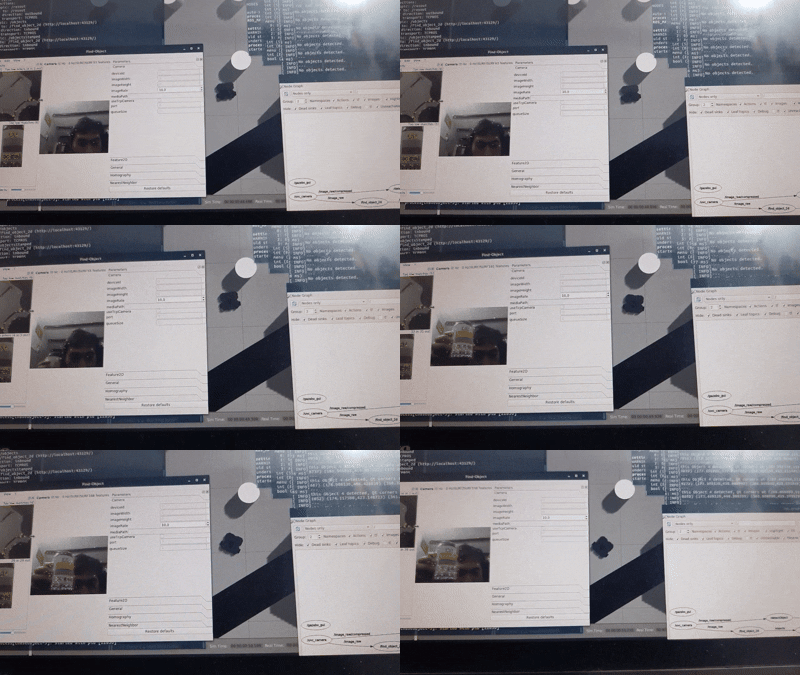
Image Detection Triggering Movement
SLAM and Navigation testing
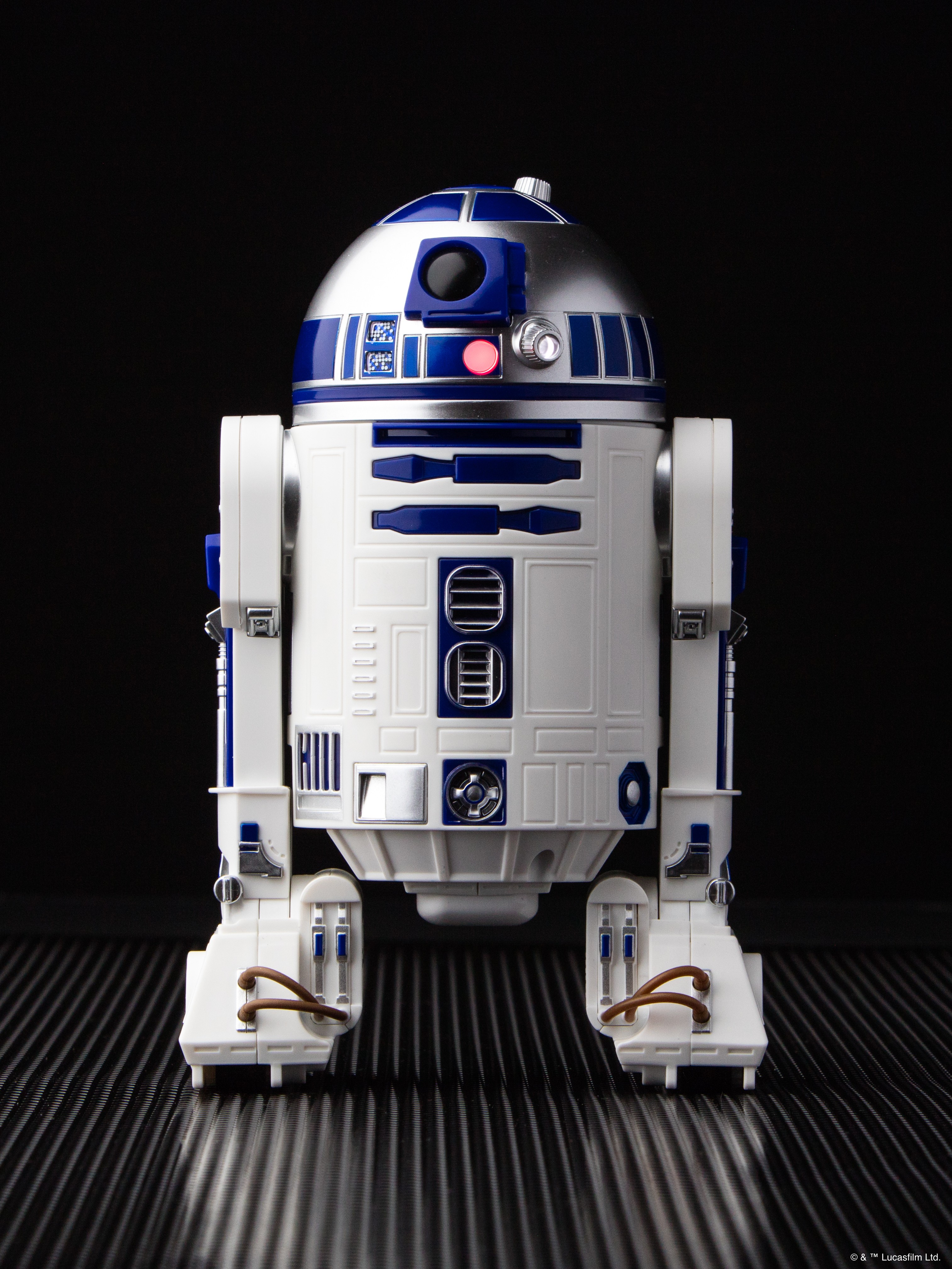
The autonomous R2D2 robot
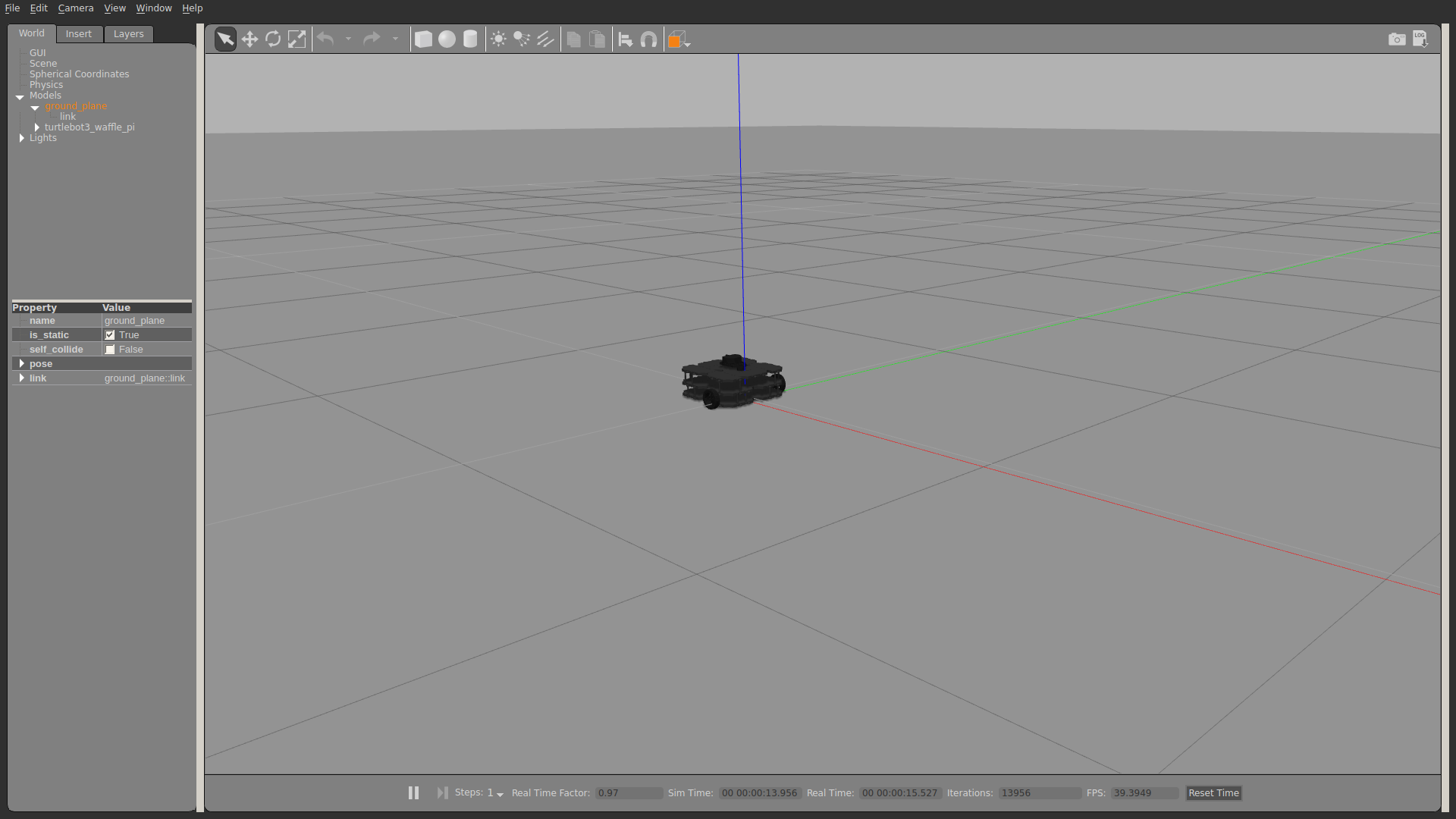
Gazebo simulation environment

ROS Node Graph architecture
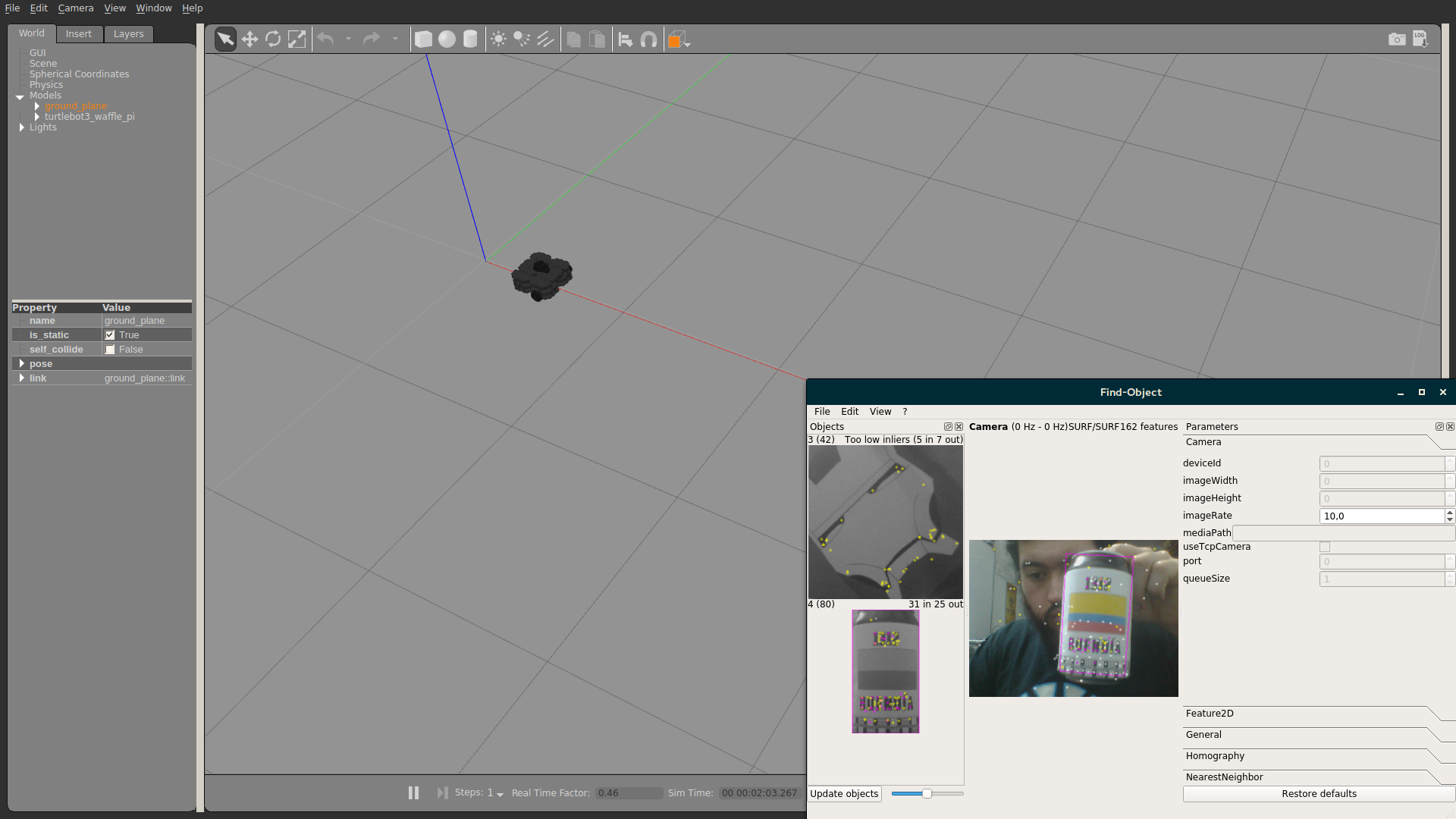
Robot in operation
Mechanism and movement demo